Word (2024 and Microsoft 365 versions) – Mail merge
E-Learning MEDIAplus elearning™

EB21-733

1h17

FR - ES - DE - EN

En_EB21-733

Want to offer this online course to your learners?
Our teams are here to help.

MEDIAplus elearning is an online training solution, unique in the market. Learning through practice, directly within the studied app and with immediate results analysis and solution.

Find out more

Course goals

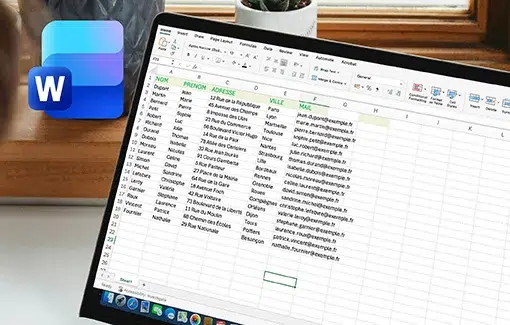
This course aims to teach you how to mail merge with Word. After taking this course, you will be able to print or send a mail merge via email, to a large number of recipients.

Prerequisites

The essential commands must be mastered in order to access Excel’s advanced techniques without difficulty.

Course goals

MEDIAplus elearning
This module offers interactive training consisting of 11training videos and 11 exercises.
Word (2024 and Microsoft 365 versions) – Mail merge

  • Print an envelope, or run a mail merge – Theme
    • Creating envelopes or address labels
    • Mail merge: associating a recipient list with a document
    • Inserting mail merge fields
    • Use the Mail Merge Wizard to send personalised email messages
    • Editing the recipients
    • Adding and deleting recipients
    • Sorting a list of recipients
    • Selecting the records to print
    • Conditional text in a mail merge
    • Preparing labels via the mail merge
    • Fields for variable data

MEDIAplus elearning as complementary material
This module offers interactive training consisting of 28 training videos and 28 exercises.
Word (2024 and Microsoft 365 versions) – Document creation basics